
Introduction
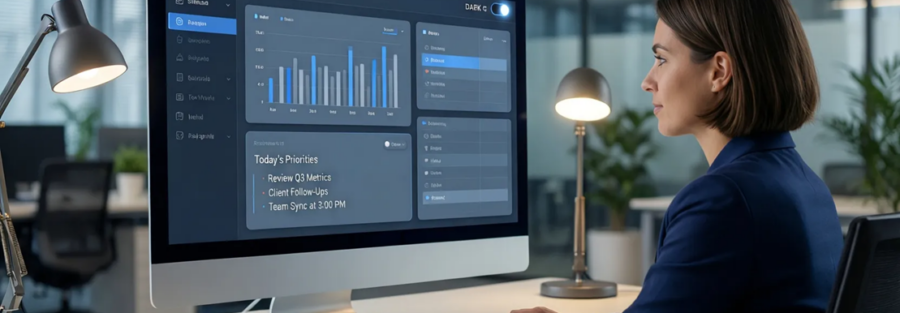
For many small and mid-sized businesses, desktop applications are the backbone of daily operations. From internal tools and accounting software to inventory systems and operational dashboards, teams spend hours every day inside desktop apps. Yet, desktop application UX design is often treated as an afterthought—leading to slow workflows, frustrated users, and unnecessary errors.
Good desktop application UX design is not about making software look attractive. It’s about making work easier, faster, and more reliable. A well-designed desktop application reduces training time, minimizes mistakes, and helps teams stay productive throughout long work sessions.
At Ostechlabs, we design and build desktop applications with usability, performance, and scalability at the core. This article explores why UX matters so much for SMBs and the key design principles that separate frustrating software from tools people actually enjoy using.
Why Desktop Application UX Design Matters for SMBs
UX as a Business Advantage, Not Just a Design Choice
For SMBs, every inefficiency has a cost. Poor UX slows employees down, increases dependency on support, and leads to inconsistent data entry. These hidden costs compound over time and directly impact profitability.
Strong UX design turns software into a productivity asset. When workflows are intuitive and actions are clear, employees complete tasks faster and with greater confidence. This directly improves operational efficiency without adding new features or complexity.

Good UX also reduces resistance to adoption. When software feels intuitive from day one, teams are more likely to use it correctly and consistently.
Productivity Gains Through Better UX
Well-designed desktop applications reduce unnecessary clicks, simplify navigation, and surface the right information at the right time. This helps users stay focused and complete tasks with fewer interruptions.
Over a full workday, even small UX improvements can save hours of cumulative effort across a team.
Reducing Training and Onboarding Time
SMBs often don’t have the luxury of long onboarding cycles. Clear UX, logical layouts, and predictable behavior allow new users to become productive quickly—often without formal training.
Improving Employee Satisfaction and Retention
Software frustration contributes to burnout. When tools are pleasant and efficient to use, employees feel supported rather than slowed down, which positively affects morale and retention.
Desktop UX vs Web UX — Key Differences
Native OS Behavior and Expectations
Desktop users expect applications to behave like native software. This includes standard window controls, familiar menus, system dialogs, and consistent OS-level interactions.
Ignoring these expectations creates friction and makes applications feel foreign or unreliable.
Keyboard-First and Power-User Workflows
Unlike web apps, desktop applications are often used by power users who rely heavily on keyboard shortcuts, multi-window workflows, and fast navigation.
Good desktop UX supports these advanced workflows instead of forcing mouse-heavy interactions.
Performance and Responsiveness as UX Factors
In desktop environments, performance is UX. Lag, freezes, or delayed responses quickly erode trust and slow productivity. Desktop UX design must account for performance at every interaction level.
Core Principles of Desktop Application UX Design
Native Performance and Responsiveness
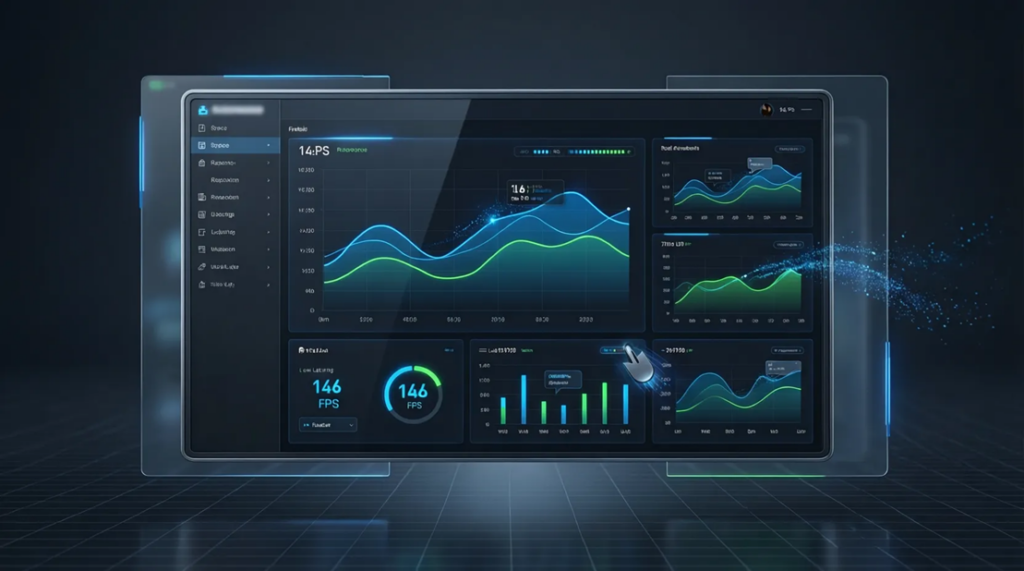
Desktop applications must feel fast and responsive at all times. Users expect immediate feedback when clicking buttons, switching views, or entering data.
Optimized UX design minimizes unnecessary animations, reduces blocking operations, and ensures that even complex actions feel smooth and predictable.
Eliminating Lag and Input Delays
Even small delays can frustrate users during long sessions. Responsive UX ensures the system acknowledges actions instantly, even if processing continues in the background.
Smooth Animations Without Performance Cost
Animations should enhance clarity, not slow the application down. Good UX uses subtle transitions that guide attention without sacrificing speed.
Leveraging Native Capabilities for Speed
Using native UI components and OS-level optimizations helps desktop apps achieve better performance and a more familiar user experience.
High DPI and Multi-Resolution Support
Designing for High-Resolution Screens
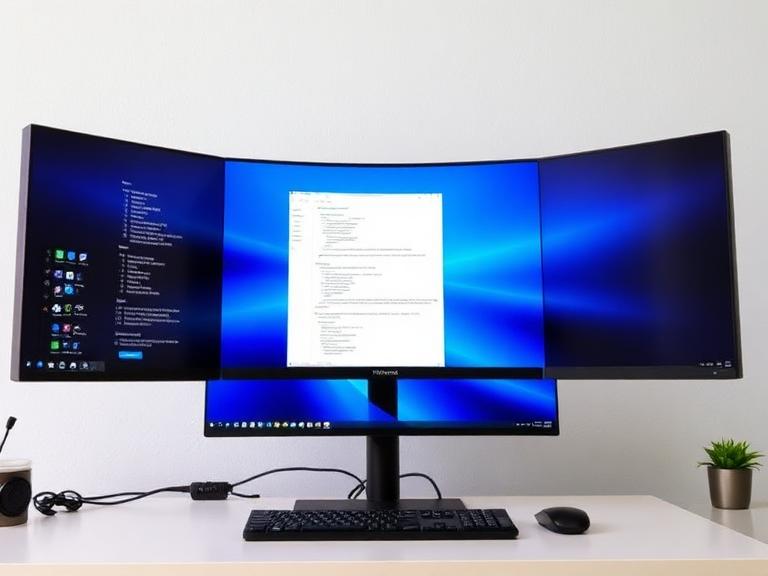
Modern users work on 4K, Retina, and ultra-wide displays. Desktop UX must scale cleanly across resolutions without blurriness or distortion.
Consistent UI Across Different Displays
Applications should look sharp and consistent whether used on laptops, external monitors, or multi-screen setups.
Avoiding Blurry or Misaligned Interfaces
Poor DPI handling results in unreadable text, broken layouts, and visual fatigue. Proper scaling is essential for professional desktop software.
Responsive Layouts for Desktop Environments
Flexible Layouts for Different Window Sizes
Desktop applications must adapt gracefully to resizing. Layouts should reflow intelligently without hiding critical information.
Supporting Multi-Monitor Workflows
Many SMB users rely on multiple screens. Good UX supports window docking, resizing, and cross-monitor workflows.
Adaptive UI Without Breaking Usability
Responsive desktop UX adjusts layouts while preserving clarity, hierarchy, and ease of use.
Accessibility in Desktop Application UX Design
Why Accessibility Matters for SMB Software
Accessible UX benefits everyone. Clear contrast, readable text, and predictable navigation improve usability for all users—not just those with disabilities.
Keyboard Navigation and Focus Management
Proper keyboard support ensures users can navigate efficiently and supports assistive technologies.
Screen Reader and Assistive Technology Support
Accessible desktop applications integrate well with screen readers and OS-level accessibility tools.
Color Contrast and Readability Standards
Good contrast improves readability, reduces eye strain, and ensures compliance with accessibility guidelines.
Designing for Long Usage Sessions
Visual Hierarchy and Information Density
Desktop apps are used for hours at a time. Clear hierarchy helps users scan information without cognitive overload.
Reducing Cognitive Load
UX should simplify decisions, group related actions, and avoid overwhelming users with unnecessary options.
Preventing Eye Strain and Burnout
Thoughtful spacing, typography, and color choices make long sessions more comfortable and sustainable.
Modern UX Features SMBs Expect in Desktop Applications
Dark Mode and Theme Customization
Dark mode is no longer optional. It reduces eye strain, supports user preference, and aligns with OS-level themes.
Dark Mode for Long Work Sessions
Many users prefer dark interfaces during extended usage. A well-designed dark mode improves comfort without sacrificing clarity.
Theme Consistency Across OS Settings
Desktop applications should respect system-wide appearance preferences for a seamless experience.
User-Controlled Appearance Options
Allowing users to choose themes and layouts increases comfort and adoption.
Intuitive Navigation and Discoverability
Logical Menu Structures
Menus should be predictable, well-organized, and easy to scan.
Contextual Actions and Tooltips
Helpful hints and contextual actions reduce the need for documentation and support.
Clear Feedback and System Status Indicators
Users should always know what the system is doing, especially during long-running tasks.
How Ostechlabs Approaches Desktop Application UX Design
UX-First Design Process
At Ostechlabs, UX decisions start with understanding real workflows. We design around how teams actually work, not theoretical use cases.
Understanding Real User Behavior
We analyze usage patterns, task frequency, and pain points to design interfaces that feel natural and efficient.
Designing for SMB Workflows
SMBs need software that balances simplicity with power. Our UX approach avoids clutter while supporting advanced functionality.
Performance, Usability, and Scalability Combined
UX Decisions Backed by Technical Architecture
Good UX is supported by strong engineering. We align design decisions with performance, scalability, and maintainability.
Consistency Across Features and Modules
Consistency builds trust. We ensure patterns remain predictable as applications grow.
Designing for Long-Term Product Evolution
Our UX systems scale as features are added, avoiding redesigns that disrupt users.
Common UX Mistakes in Desktop Applications (and How to Avoid Them)
Overcrowded Interfaces
Too much information at once overwhelms users and slows productivity.
Ignoring Keyboard Shortcuts
Failing to support keyboard workflows frustrates power users.
Poor Error Handling and Feedback
Unclear errors confuse users and increase support requests.
Designing Without Real User Testing
UX assumptions without validation often miss real-world needs.
FAQ: Desktop Application UX Design
What is desktop application UX design?
It focuses on making desktop software intuitive, efficient, accessible, and aligned with real user workflows.
How is desktop UX different from web UX?
Desktop UX emphasizes performance, keyboard use, OS integration, and long usage sessions.
Does good UX increase development cost?
Good UX reduces long-term costs by improving adoption and reducing rework.
Why is UX especially important for SMBs?
Because poor UX wastes time, increases errors, and raises training costs for small business.
Can Ostechlabs redesign existing desktop applications?
Yes. Ostechlabs specializes in UX improvements for both new and existing desktop software.
Conclusion
Strong desktop application UX design is not a luxury for SMBs—it’s a necessity. Well-designed desktop applications improve productivity, reduce errors, and make daily work less frustrating for teams who rely on them.
By focusing on performance, accessibility, responsive layouts, and long-session comfort, businesses can turn software into a true productivity enabler rather than a bottleneck.
At Ostechlabs, we design desktop applications that are fast, intuitive, and built for real-world use. If you’re looking to build or redesign a desktop application your team will actually enjoy using, we’re here to help.
Ready to create a desktop application with great UX? Let’s talk.